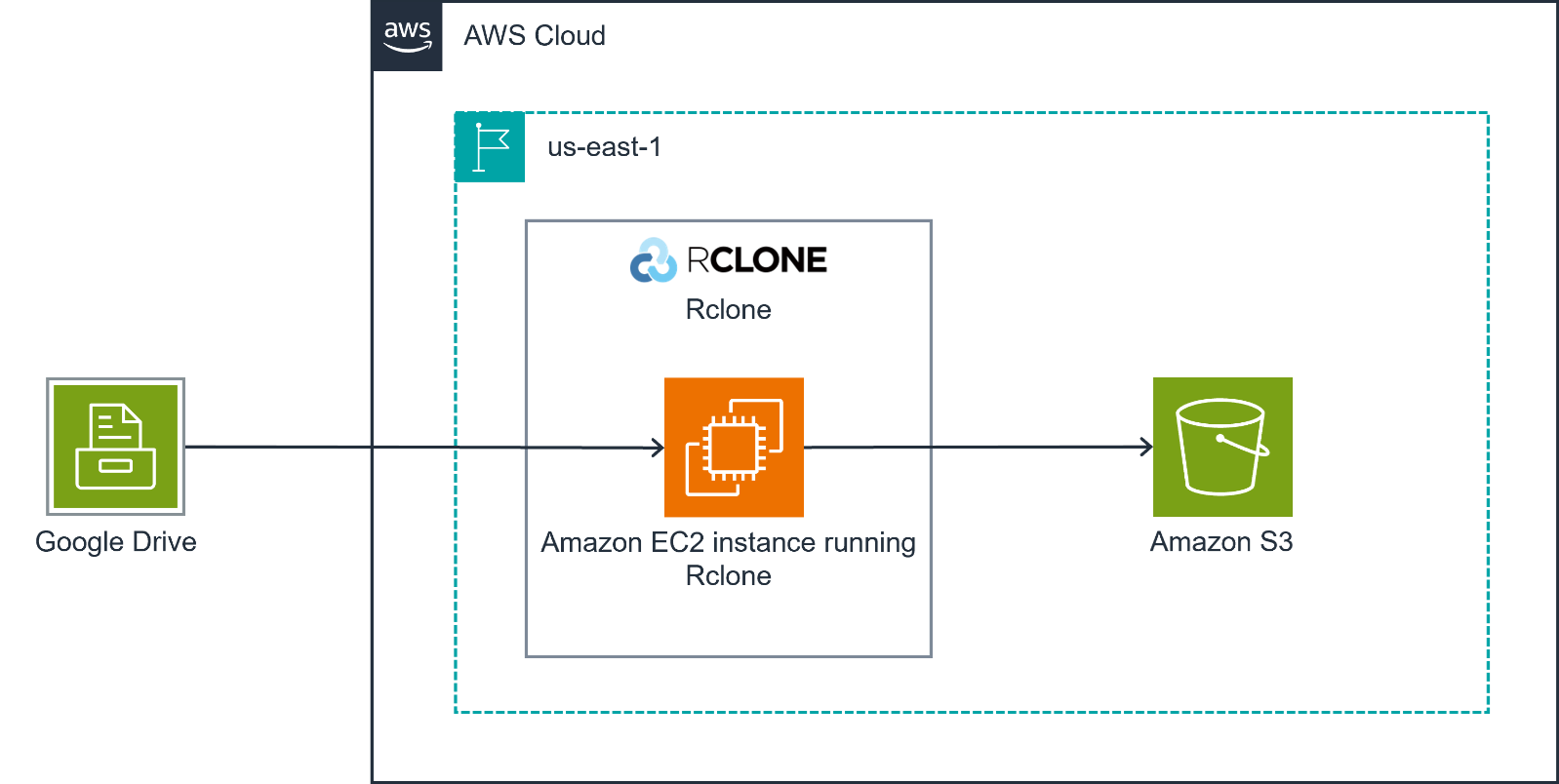
In this post, we'll synchronize data between S3 storages.
It's assumed that you already have two S3 storages and a separate server with installed rclone.
The next steps help you start copying data from one S3 storage to another.
1. On the separate server install the rclone utility:
Debian-like
apt install rclone -y2. Create rclone config with the following:
vi ~/.config/rclone/rclone.conf
[simple-storage1]
type = s3
provider = Other
access_key_id = <put_simple-storage1_access_key>
secret_access_key = <put_simple-storage1_secret_key>
endpoint = https://simple-storage1.example.com

[simple-storage2]
type = s3
provider = Other
access_key_id = <put_simple-storage2_access_key>
secret_access_key = <put_simple-storage2_secret_key>
endpoint = https://simple-storage2.example.com
3. Check buckets and files on S3 storages:
rclone lsd simple-storage1:
rclone lsd simple-storage2:
rclone ls simple-storage1:bucket1
rclone ls simple-storage2:bucket2
4. Run the sync from simple-storage1 to simple-storage2:
rclone sync simple-storage1:bucket1 simple-storage2:bucket2 --progress --log-file=/var/log/rclone-sync.log --log-level INFO5. After the first full synchronization, you can use:
rclone sync simple-storage1:bucket1 simple-storage2:bucket2 --progress --size-only --log-file=/var/log/rclone-sync.log --log-level INFO